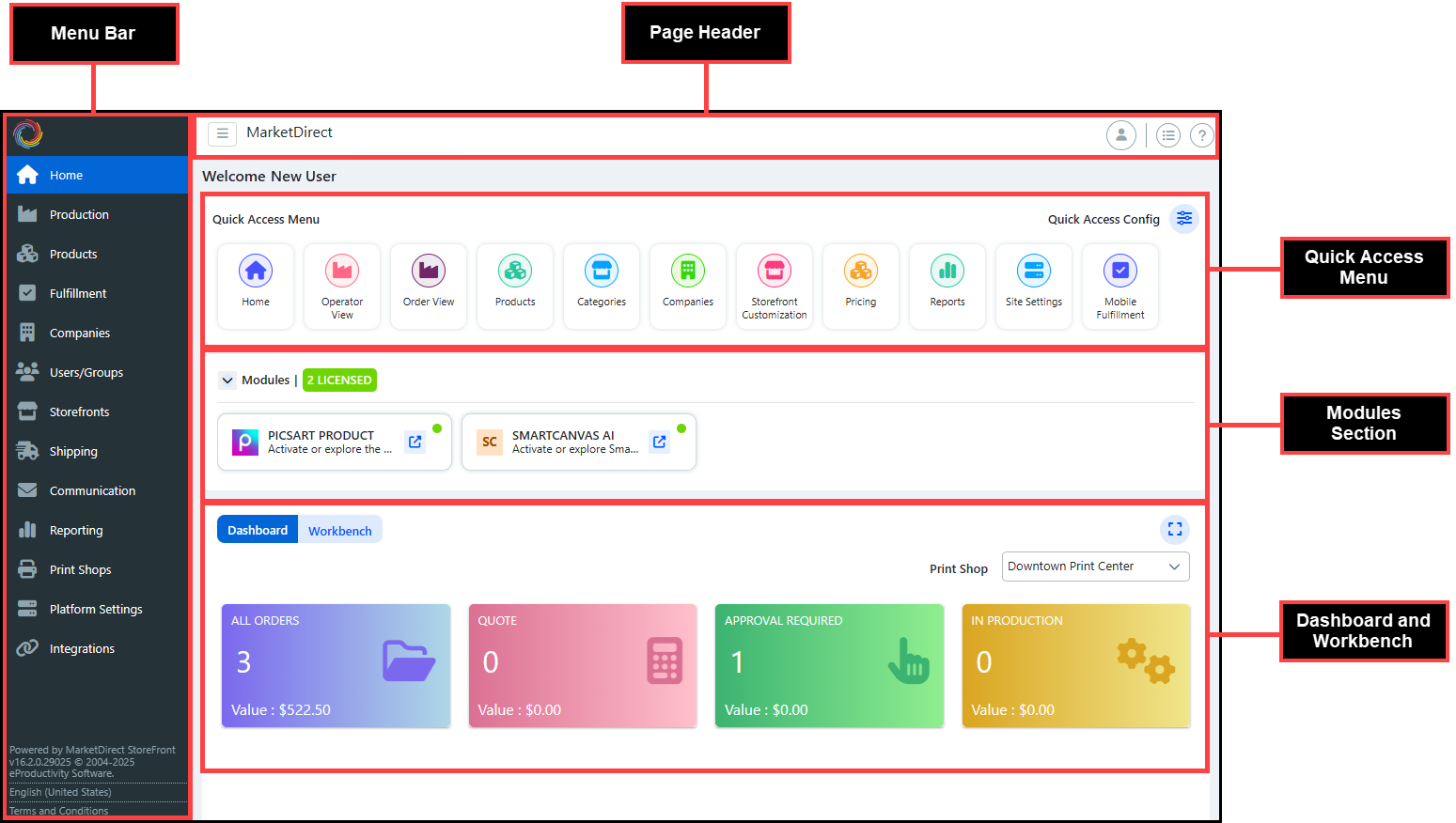
The Administration Home page is the default landing page for the Administration side of MarketDirect StoreFront. It is the workflow management hub of the application where you can access all of the pages available to you, which is determined by the Page Access settings. The redesigned Administration Home page is unique to the logged-in user, allowing them to customize the page for their specific workflows. It is comprised of four different areas: Menu Bar, Page Header, Quick Access Menu, Dashboard and Workbench.
The Menu bar is a collection of page menus, which are categories of similar pages grouped together. Each page menu has a unique icon and name. You can access different pages within MarketDirect StoreFront by hovering on the appropriate icon and clicking the page link.
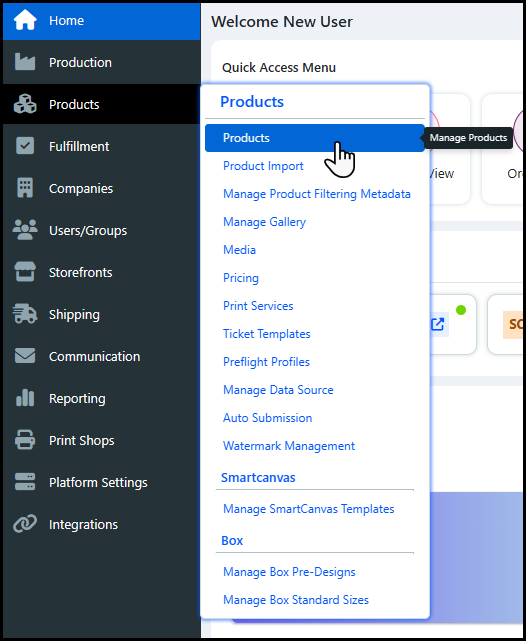
You can view an expanded version of the Menu bar
by clicking the Expand icon next to the Storefront
link. The expanded Menu bar
allows you to see the name of the page menu without having to hover on
the icon.
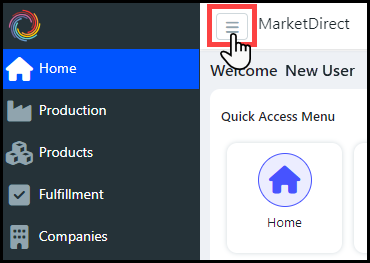
The Page Header contains various Administration Home page controls.

Expand Menu: Click the Expand icon to view an expanded version of the Menu bar.
Storefront link: Click the MarketDirect link to open the storefront, or buyer side, of the application.
My Account: Click the My Account icon to open a drop-down list of different quick access page links.
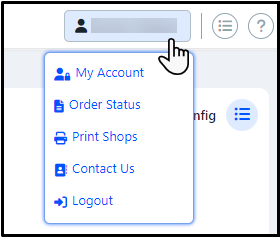
My Account opens the My Profile page on the buyer side.
Order Status opens the Order History & Status page on the buyer side.
Print Shops opens the My Profile page on the buyer side.
Contact Us opens the Customer Support administration page, which provides contact information for your assigned Print Shop.
Logout will log you out of the application.
Show all Menus: Click the Show all Menus icon to open the Menu List where you can see a list of all the pages available to you.
The Menu List can be accessed by entering Ctrl+F on your keyboard. It can also be accessed from any page with the Show all menus icon.
Click the page link to open the page.
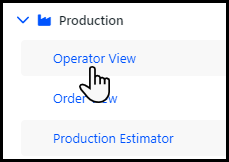
The Menu List can be filtered using the search tool.
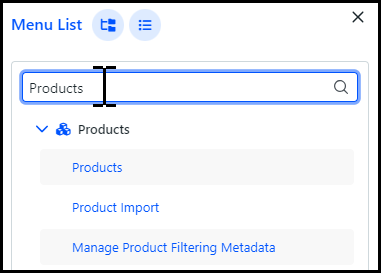
The search tool will filter the list based on page and page menu names.
Click Expand all to open all of the page menu folders.

Click Collapse all to close all of the page menu folders.

Online Help: Click the Help icon to open the MarketDirect StoreFront context-sensitive online help.
The Quick Access Menu is where you can choose and arrange your favorite, or most visited, pages. These pages appear in the Quick Access Menu as a tile, which you click to open the page.
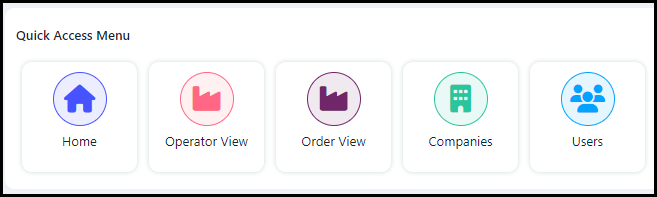
Page menu tiles can rearranged using drag and drop.
To customize your Quick Access Menu:
Click Quick Access Config to see a list of all the pages available to you.
Select the page to add it to the Quick Access Menu.
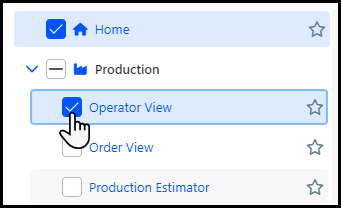
You can add a maximum of thirteen pages to the Quick Access Menu.
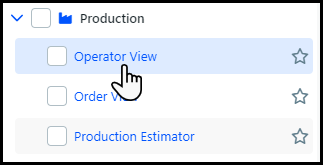
You
can open the page by clicking the page link.
The page list can be filtered using the search tool.
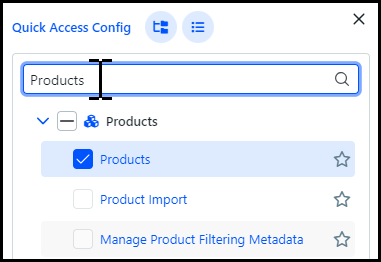
The search tool will filter the list based on page and page menu names.
Click Expand all to open all of the page menu folders.
Click Collapse all to close all of the page menu folders.
Click the Star icon to designate the page as the new landing page of the Administration side of MarketDirect StoreFront.
The starred page will automatically open when you access the Administration side. If you do not designate a landing page, then the Home page will be the default landing page. There can only be one landing page per user.
Click Done to close the Quick Access Config panel.
The Modules section is where you can view additional licensed Picsart modules available for MarketDirect StoreFront.
Currently, the only available modules are for Picsart Product integration and SmartCanvas AI.
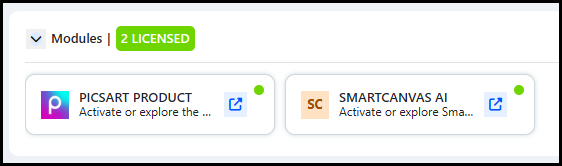
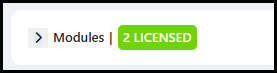
The License Tracker will display the number of modules licensed for your account.
Click the Link icon to open a sponsored MarketDirect StoreFront + Picsart landing page, where you can learn more about each module and activate the service.

Click the Caret icon to minimize or expand the Modules section.
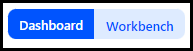
The Dashboard is where you can view important information about your active orders. The Workbench is where you can view insights on the performance of your storefront.
Click the toggle to switch back and forth between the two views.
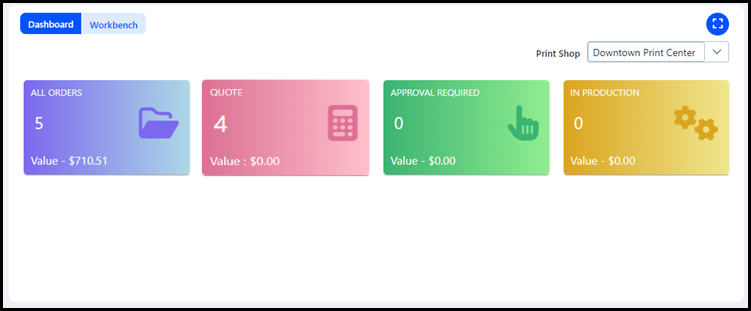
The Dashboard contains four standard tiles, which you can click to open different tabs on the Order View page.
Any group with access to the Operator/Order View or the Reports page will see the Dashboard by default. All other users will need to have the Dashboard enabled for their user group in order to see it. For more information, see Dashboard and Workbench Access.
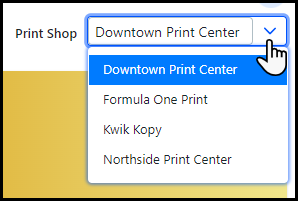
You can view order information for different Print Shops by choosing the appropriate
Print Shop from the drop-down
list.
All Orders: Number of active orders and the total value of those orders. Click the tile to open the All Orders tab.
Quote: Number of active orders that require a manual quote and the total value of those orders. Click the tile to open the Quote tab.
Approval Required: Number of active orders that require an approval and the total value of those orders. Click the tile to open the All Orders tab with the table filtered for Order Status in (Approval Required).

In Production: Number of active orders that are currently in production and the total value of those orders. Click the tile to open the In Production tab.
The Workbench contains different widgets that provide you with real-time information about the transactions made on your storefront. The information is collected from the Productivity Workbench software, which can be integrate with other Graphic Communications products as well as be used as a stand-alone product. You will only be able to see information about MarketDirect StoreFront on the Administration Home page.
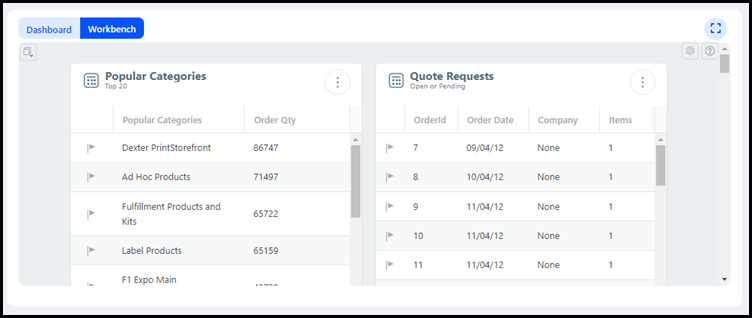
The system administrator of the MarketDirect StoreFront account will be the only user to see the Workbench by default. All other users will need to have the Workbench enabled for their user group in order to see it. For more information, see Dashboard and Workbench Access.
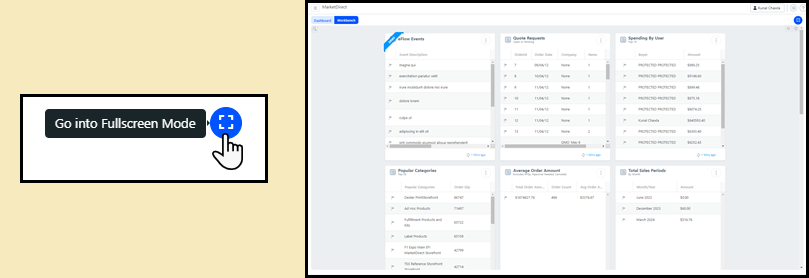
Click the Go to
Fullscreen Mode icon to expand
the Workbench widgets
to fill the Administration Home page.
For more information on the Workbench,
such as how to configure widgets and use the To-Do
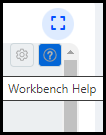
List, click the Workbench Help icon.